Glossary

What is Hypertext Markup Language?

Hypertext Markup Language is the standard language used to create and structure content on the web. It consists of a series of elements, called tags, that define text, images, links. And other media so browsers can display them correctly. HTML forms the backbone of nearly every website and is essential for search engines to understand page content.

Reviewed by Anand MaheshwariSources reviewed: Mozilla Developer Network (MDN) Web Docs, World Wide Web Consortium (W3C)

Quick Facts About Hypertext Markup Language

Category

Web development language

Used for

Structuring and displaying web content

Common confusion

HTML is not a programming language; it’s a markup language

Also called

HTML

Often discussed with

On-Page SEO Optimization, Technical SEO Optimization

Key Takeaways About Hypertext Markup Language

Understanding Hypertext Markup Language

Hypertext Markup Language in SEO Agency: Hypertext Markup Language is the standard language used to create and structure—v...

Hypertext Markup Language, commonly known as HTML, is the foundational language of the web. It provides the basic structure for web pages, allowing text, images, videos. And other elements to be organized and displayed in a browser. Without HTML, the internet as we know it would not exist, as it serves as the skeleton that holds everything together.

Related glossary terms: HTML, Heading Tags, Meta Tags.

HTML works by using a system of tags, which are enclosed in angle brackets (e.g., <p> for paragraphs or <h1> for headings). These tags tell the browser how to interpret and display the content. For example, <strong>text</strong> makes text bold. While <a href="url">link</a> creates a clickable hyperlink. Tags often come in pairs—an opening tag and a closing tag—to wrap around content.

While HTML defines the structure of a webpage, it doesn't handle styling or interactivity. That’s where other technologies like CSS (Cascading Style Sheets) and JavaScript come into play. CSS controls the visual appearance, such as colors, fonts. And layouts. While JavaScript adds dynamic features like animations, form validations. And interactive buttons.

How Hypertext Markup Language Works?

When you visit a website, your browser downloads the HTML file from the web server. The browser then reads the HTML code and renders it as a visual webpage. This process happens almost instantly, allowing you to see text, images. And other media in an organized format.

HTML documents start with a <!DOCTYPE html> declaration, which tells the browser what version of HTML is being used. The document itself is structured within <html> tags, which contain two main sections: the <head> and the <body>. The <head> section includes metadata like the page title, character encoding. And links to CSS or JavaScript files. The <body> section contains the visible content, such as text, images. And links.

Here’s a simple example of an HTML structure:

  • lt;!DOCTYPE html> declares the document type.
  • lt;html> wraps the entire document.
  • lt;head> contains metadata like the page title.
  • lt;body> holds the visible content, such as paragraphs and headings.

HTML also supports attributes, which provide additional information about an element. For example, the <img> tag uses the src attribute to specify the image file location and the alt attribute to describe the image for accessibility and SEO purposes.

Why Hypertext Markup Language Matters?
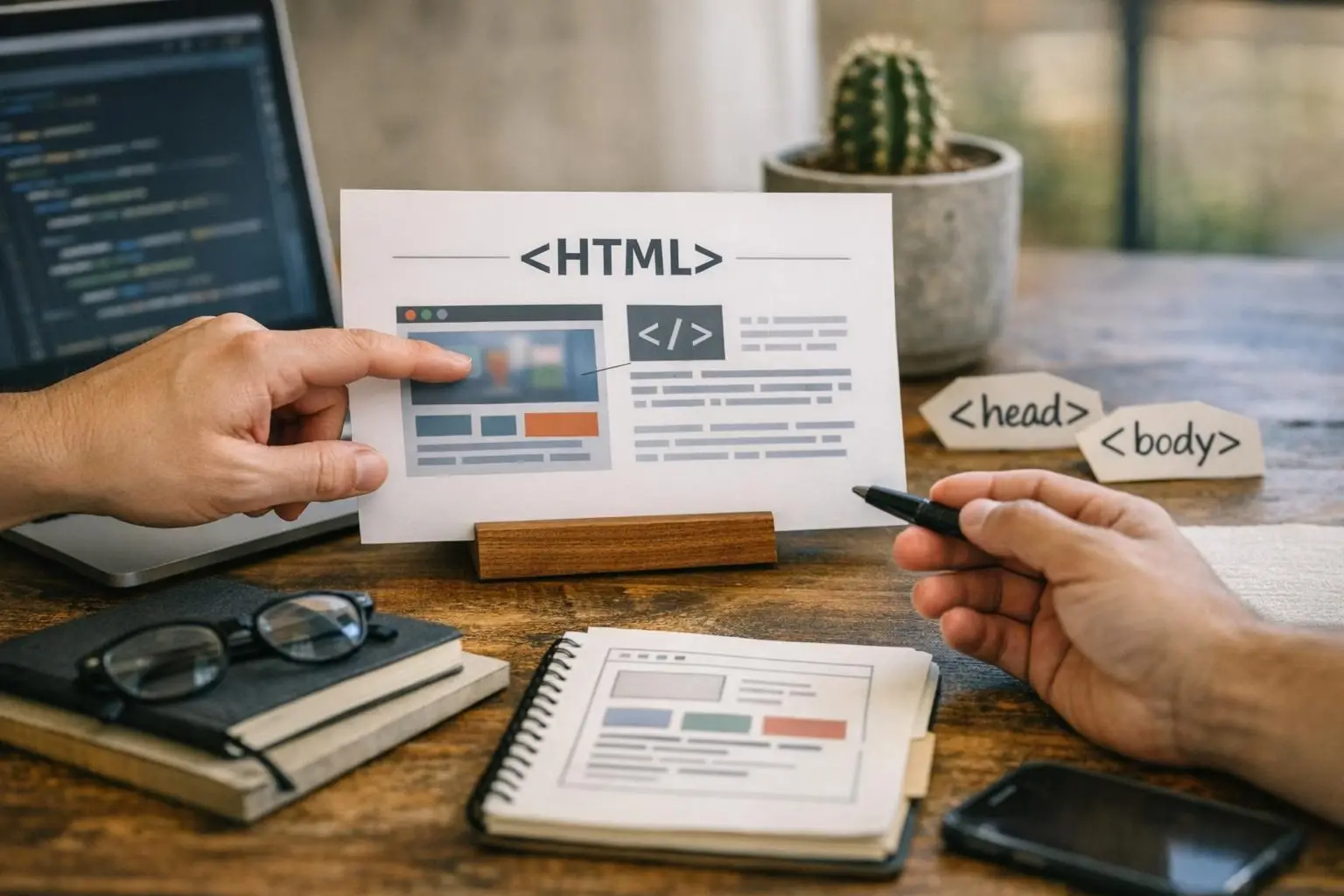
How Hypertext Markup Language applies to SEO Agency services in Austin, United States—practical illustration

HTML is critical because it enables the creation of structured, accessible. And search-engine-friendly web content. Search engines like Google rely on HTML to crawl and index web pages. Properly structured HTML helps search engines understand the hierarchy and relevance of content, which can improve a website’s ranking in search results. For example, using heading tags (<h1>, <h2>) correctly signals the importance of different sections of a page.

HTML also plays a key role in accessibility. Screen readers and other assistive technologies depend on HTML to interpret and present content to users with disabilities. Semantic HTML tags, such as <nav> for navigation, <article> for self-contained content. And <footer> for page footers, help ensure that web content is accessible to everyone.

When Hypertext Markup Language Matters Most?

HTML is especially important in the following situations:

  • Building a new website: HTML is the starting point for creating any webpage, whether it’s a simple blog or a complex e-commerce site.
  • SEO optimization: Proper HTML structure helps search engines understand and rank content effectively. Missing or misused tags can hurt a site’s visibility.
  • Ensuring accessibility: Using semantic HTML ensures that people with disabilities can navigate and understand a website.
  • Troubleshooting display issues: If a webpage isn’t making correctly, the HTML code is often the first place to check for errors.
  • Adding structured data: HTML can be extended with schema markup to help search engines display rich snippets, like reviews or event details, in search results.

For businesses in Austin, TX. And beyond, well-structured HTML is a cornerstone of effective SEO. Search engines prioritize websites that follow best practices. And HTML is a key part of those practices. Whether optimizing for local searches or broader audiences, clean and semantic HTML helps ensure that content is both human-readable and machine-friendly.

How to Evaluate Hypertext Markup Language?

Related Concepts Compared

Hypertext Markup Language vs. CSS (Cascading Style Sheets)

CSS controls the visual appearance of a webpage, such as colors and layouts. While HTML defines the structure and content.

Hypertext Markup Language vs. JavaScript

JavaScript adds interactivity and dynamic features to a webpage. While HTML provides the static structure.

Hypertext Markup Language vs. XML (eXtensible Markup Language)

XML is used to store and transport data. While HTML is designed to display data in a browser.

Expert Note

While HTML is simple to learn, mastering semantic HTML is crucial for SEO and accessibility. Using the right tags for the right purpose—not just for styling—can significantly improve a website’s performance in search results and usability for all visitors.

Common Mistakes or Myths About Hypertext Markup Language

  • Using heading tags (, ) for styling instead of hierarchy, which confuses search engines.
  • Missing alt text on images, which harms accessibility and SEO.
  • Using non-semantic tags like for everything instead of , . Or .
  • Forgetting to close tags, which can break the page layout or functionality.
  • Overusing tags for spacing instead of CSS, which makes the code harder to maintain.

Hypertext Markup Language in Practice: A Real-World Example

A local Austin bakery’s website uses HTML to structure its homepage. The <h1> tag displays the bakery’s name, <p> tags describe the menu. And <a> tags link to the online ordering page. Images of pastries include alt text like "freshly baked chocolate croissant" for accessibility and SEO.

Sources & Further Reading on Hypertext Markup Language

Related Services

Related Terms

HTML

HTML is the standard markup language used to create and structure content on the web. HTML stands for HyperText Markup Language and uses tags like , . And to define text, images, links. And other elements, allowing browsers to display pages correctly. Without HTML, websites would lack organization, headings.

Heading Tags

Heading Tags are HTML elements (H1 through H6) used to define the hierarchy and structure of content on a webpage. Heading Tags organize text into titles and subtitles, making it easier for readers and search engines to understand the main topics and subtopics of a page.

Meta Tags

Meta Tags are small pieces of HTML code placed in the head section of a webpage that describe the page’s content to search engines and browsers. Meta Tags is not visible to visitors but helps search engines understand what the page is about, influences how it appears in search results.

Structured Data

Structured Data is a standardized format that helps search engines understand and display website content more effectively. It uses specific vocabulary, like Schema.org, to label information such as product prices, event dates. Or business hours in a way machines can easily interpret. This improves how content appears in search results, often enabling rich snippets or enhanced listings.

Alt Text

Alt Text is a written description added to an image on a webpage that explains the image’s content or function. Alt Text appears when the image cannot load, helps screen readers describe images to visually impaired users.

WebJi

Have Questions About Hypertext Markup Language?

Contact WebJi for practical guidance on Hypertext Markup Language and related seo agency work in Austin.

Privacy PolicyTerms of ServiceCookie Policy